Sale Deed Verification
A scanned sale deed read page by page: the parties and particulars extracted, and each item of a 13-point verification checklist marked.
From raw file to finished document.
Lenders and LOS platforms need sale deeds checked at volume. This tool reads a scanned deed, pulls out the parties, their relations, ages, addresses and ID numbers, and runs the deed against a verification checklist. Where a page does not carry the information, it says so rather than guessing.
It reads
- Scanned sale deed pages
- Stamp paper and recitals
- Party details and ID numbers
It produces
- Extracted party fields
- 13-point checklist
- Items needing further pages
The raw record, and what the tool makes of it.
Real screenshots from the live demo, on a fictional file. The numbered notes point at what the tool picked up.
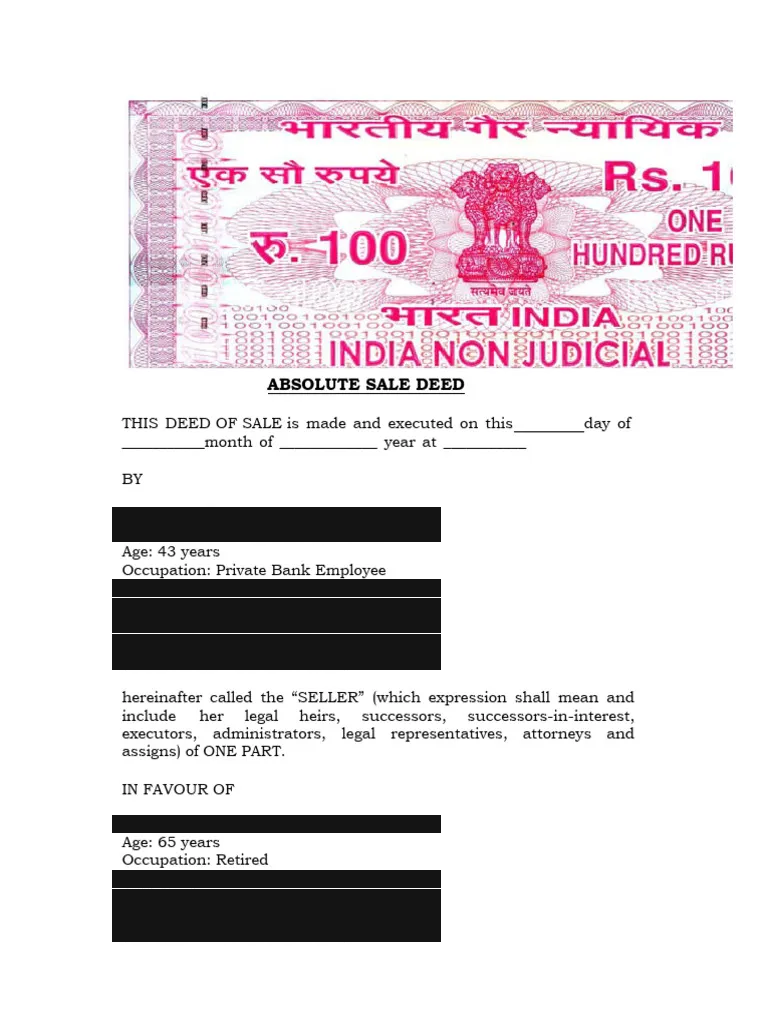
- Rs 100 non-judicial stamp paper
- Execution date left blank
- Seller: name, age, occupation, address, ID
- Buyer: read the same way
The raw input: page one of a scanned sale deed on stamp paper, identity details redacted.
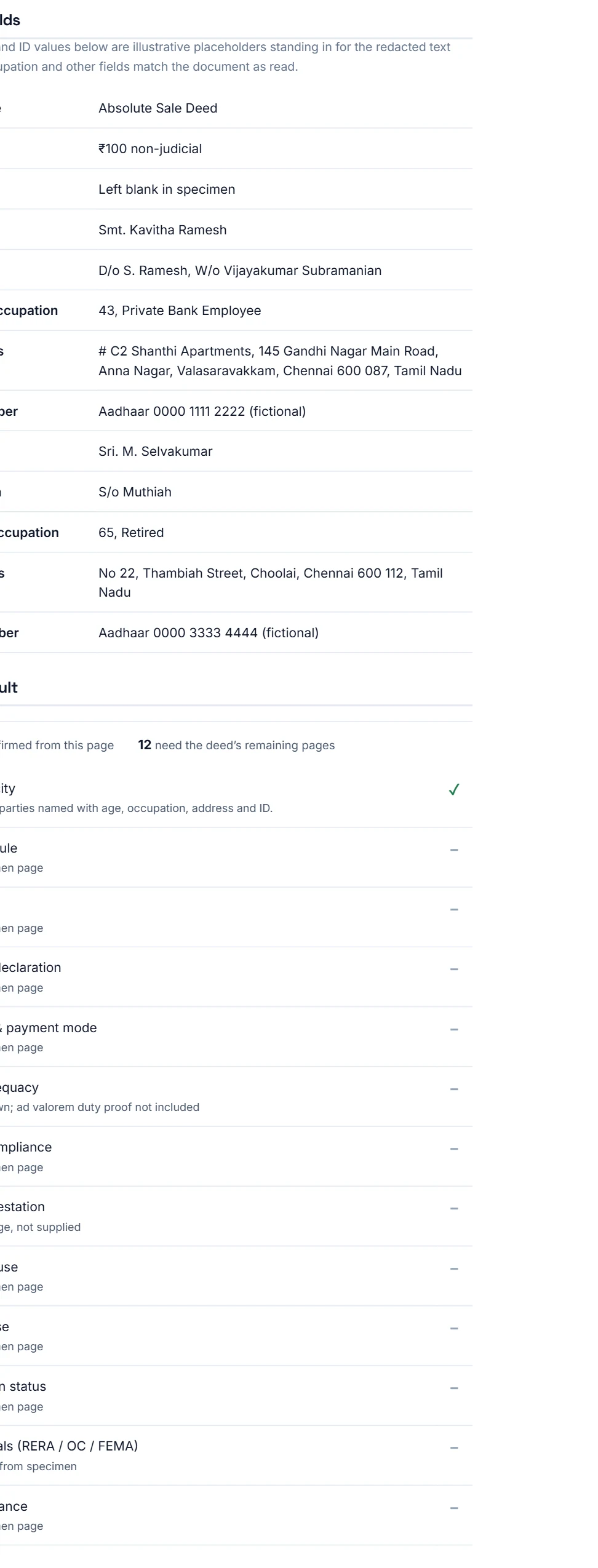
- Parties read from the recital
- ID numbers extracted (fictional here)
- 1 of 13 confirmed from this page
- Missing pages are flagged, never guessed
The output: extracted fields and the checklist result, marking what this page can and cannot confirm.
Three steps, no retyping.
- Step 1
Read the scan
The deed is read as a document, not a form: recitals, parties and stamp paper.
- Step 2
Extract the fields
Seller and buyer names, relations, ages, occupations, addresses and IDs.
- Step 3
Check and be honest
Each checklist item is confirmed, failed, or marked as needing pages not supplied.
Try it on the sample file, or talk to us about yours.
Other tools
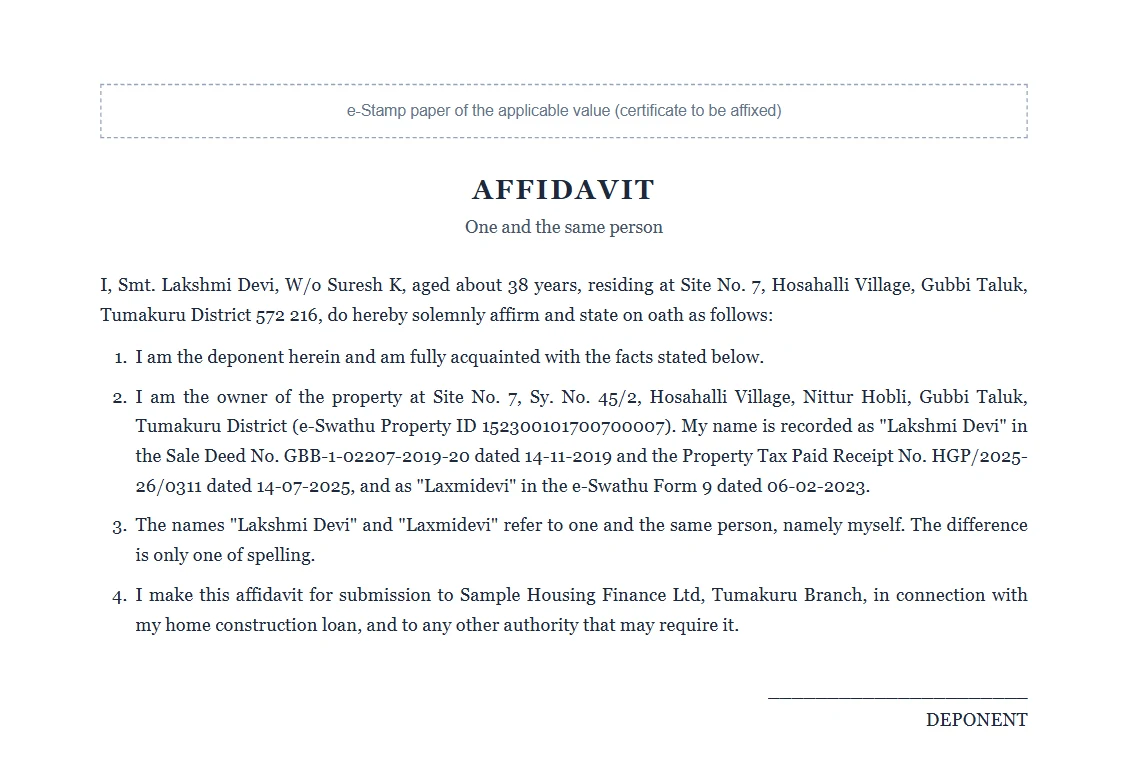
Loan Affidavits
Works out which affidavits a loan file needs from the title report, then fills each one from the file, ready for stamp paper and notarisation.
View tool →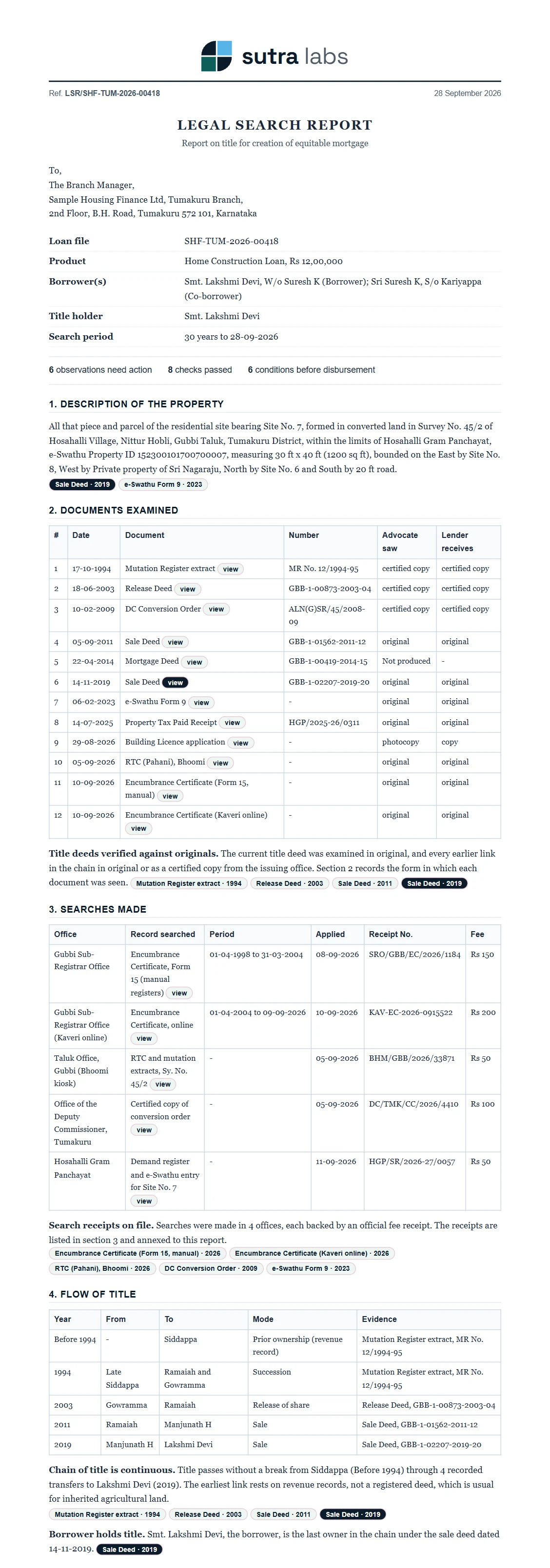
Legal Search Report
A 30-year title search on a village loan file: chain of title, encumbrances, name mismatches and approvals, each finding linked to its source page.
View tool →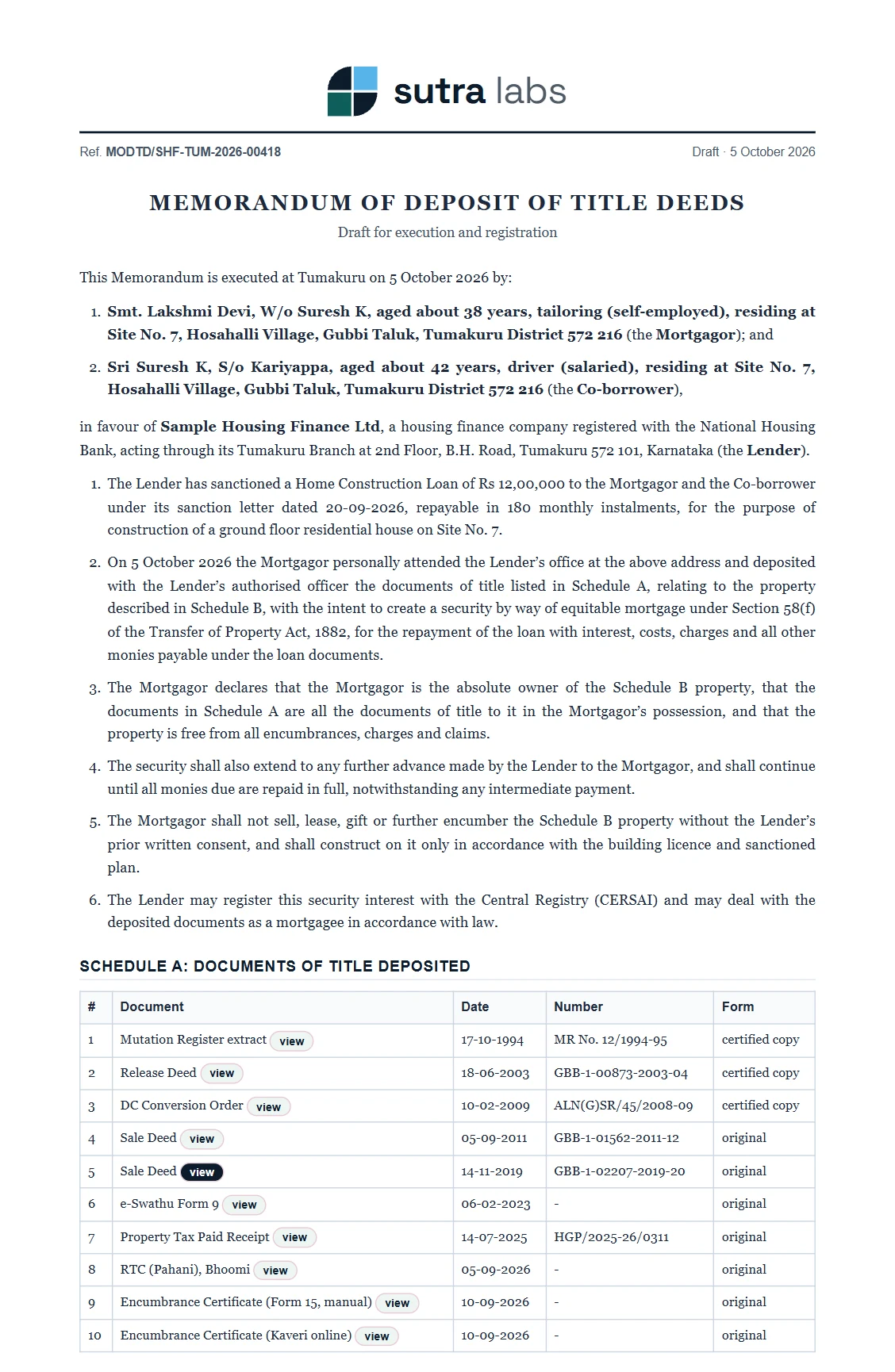
MODTD Drafting
The Memorandum of Deposit of Title Deeds, drafted from the same file, with the deposit schedule, stamp duty, registration and CERSAI dates worked out.
View tool →